
Where scrap film really comes from, what it costs you in a year, and how pattern accuracy and nesting win it back.
Nobody writes “wasted film” on an invoice, which is exactly why it adds up unnoticed. A re-cut here, a pattern that ran wide there, a sheet laid out with more gaps than it needed. Each one feels small in the moment. Across a year of jobs, it’s real money that came straight out of your margin.
The good news is that most of it is fixable. Here’s where the waste comes from, how to put a number on it, and what actually brings it down.
Where the waste actually comes from
- Cutting for the wrong vehicle. Trim levels, body styles, and model-year changes can look nearly identical on a lookup screen. Pick the wrong one and the whole kit is scrap before it ever touches the car.
- Patterns that need trimming. A pattern that runs long or loose gets hand-trimmed on the vehicle. That’s extra film on every piece, extra time, and extra risk to the paint.
- Plotter drift. A plotter that hasn’t been calibrated can scale cuts slightly too small or too large. Too small means a re-cut. Too large means trimming. Either way, you’re paying for film you didn’t need.
- Loose layouts. Pieces lined up in rows with open space between them leave a lot of usable film on the floor. The layout on the sheet matters as much as the fit on the car.
- Handling mistakes. Creases, contamination, and a piece that folds on itself during install. Software can’t fix these, but it helps to know how much of your waste is handling versus cutting, so you know what to work on.
If your templates are coming out slightly off, calibration is the first place to look. We walk through it step by step in “Why Are My Templates Slightly Too Small or Too Large?”.
Put a number on it
Waste stays invisible until you do the math, and the math is simple. Multiply your film cost per foot by the feet lost on a typical miss, then by how many misses you have in a week and how many weeks you work in a year.
Here’s a quick example with round numbers. If your film runs $5 a foot and a missed cut wastes 3 feet, every miss costs you $15. Two misses a week over 50 working weeks comes to $1,500 a year in film alone, before you count the labor to re-cut, the delay on the job, or the bay time it ties up. Plug in your own numbers and the total is usually more than shop owners expect.
Nesting: getting more parts out of every sheet
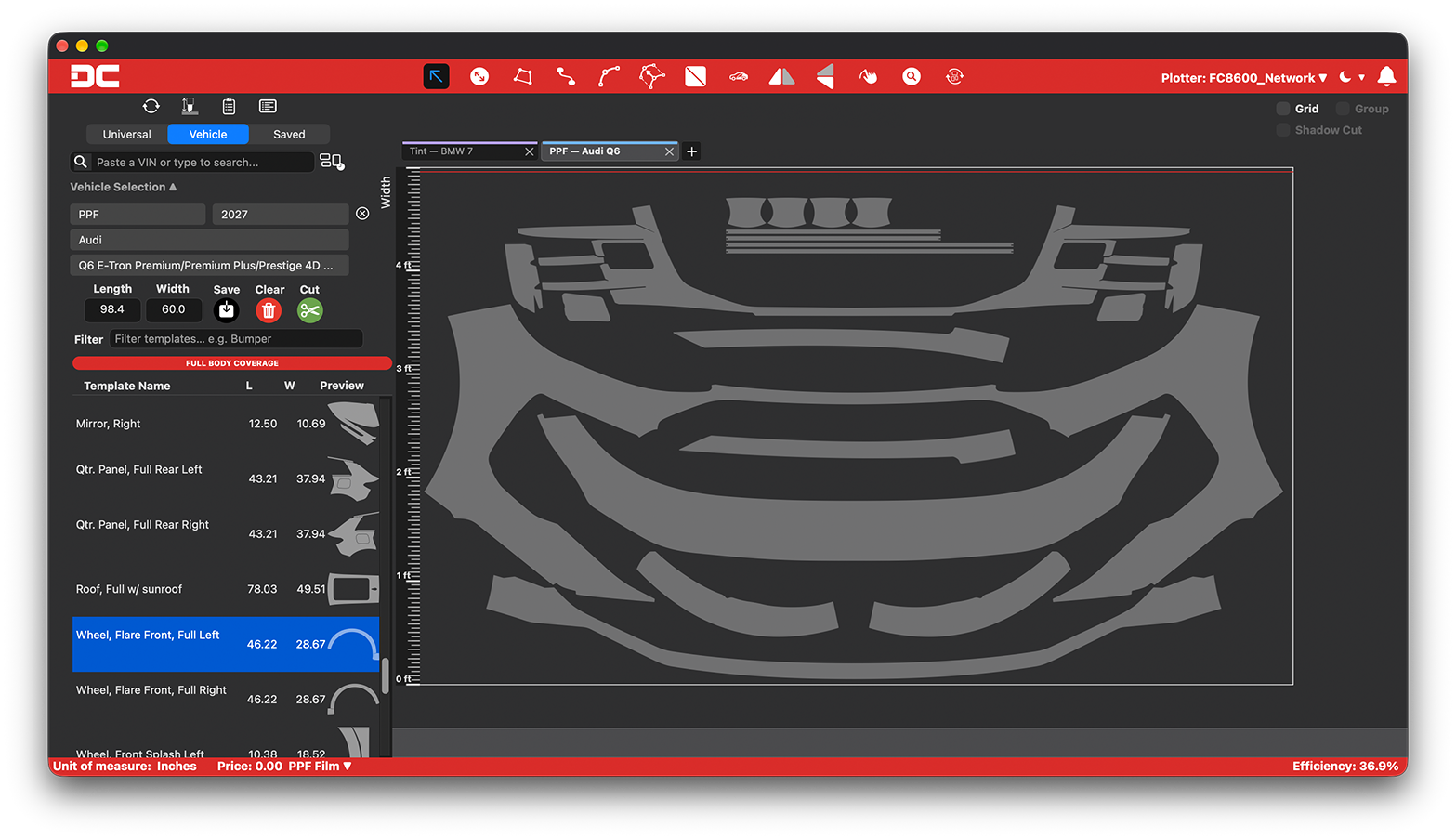
Nesting is how pattern pieces get arranged on the film before cutting. Think of it like fitting puzzle pieces together instead of lining them up in rows. Good nesting tucks smaller pieces into the gaps around larger ones, rotates parts where it makes sense, and packs the whole kit into the shortest length of film possible.
The difference shows up at the end of the roll. A tightly nested layout can pull the same kit out of noticeably less film than a loose one, and on every job you run, that difference compounds. This is why nesting has become a headline feature across pattern software: it’s one of the most direct ways software lowers your film cost per job.
Accuracy: getting it right the first time
Nesting saves film on the sheet. Accuracy saves film on the car. The best layout in the world doesn’t help if the pattern is for the wrong trim level or needs an inch trimmed off every edge.
That’s where two things matter most. First, confirming the exact vehicle before you cut. Looking a vehicle up by VIN takes the guesswork out of trim and body style, which is where a lot of wrong-kit waste starts. Second, patterns built and verified on real vehicles, so the fit is right off the plotter and you’re applying film instead of trimming it.
One honest caveat: even a perfect match can’t account for everything. Replacement glass, for example, doesn’t always match factory dimensions. We cover that in our post on windshield coverage in the DigiCut library.
Waste costs more on premium film
All of this gets more expensive as your film gets better. A wasted foot of basic dyed tint stings. A wasted foot of ceramic tint or premium PPF costs a lot more. As more customers move up to premium film, cutting accuracy and nesting stop being nice extras and start protecting the margin those higher-ticket jobs are supposed to earn.
Run a quick waste audit this month
You don’t need new tools to start. For the next four weeks:
- Log every re-cut and note why it happened: wrong vehicle, bad fit, calibration, or handling.
- Measure your scrap at the end of each week, even roughly.
- Run a calibration check on your plotter and compare cuts before and after.
- Confirm every vehicle by VIN before you send a job to the plotter.
At the end of the month, you’ll know exactly where your waste comes from and roughly what it costs. That makes every decision after it, including what software you cut with, a lot easier to make on the numbers.
If you’re weighing software because your current setup won’t talk to your plotter, start with “Plotter Compatibility: What to Check Before You Buy Cutting Software”
Where DigiCut fits
DigiCut is built around the waste points above. VIN-matched vehicle selection gets you to the right vehicle fast. Smart nesting packs patterns tighter so each job uses less film. Built-in setup and calibration tools keep your plotter cutting true to size. And every pattern in the library is built and verified on a real vehicle before release, so it fits off the plotter.
For a closer look at how nesting and vehicle search work in the latest release, see what’s new in DigiCut 3.0.
Run your waste audit on DigiCut
The 30-day free trial gives you full access with no credit card required. Cut your real jobs, track your scrap, and compare the numbers. Start your free trial.