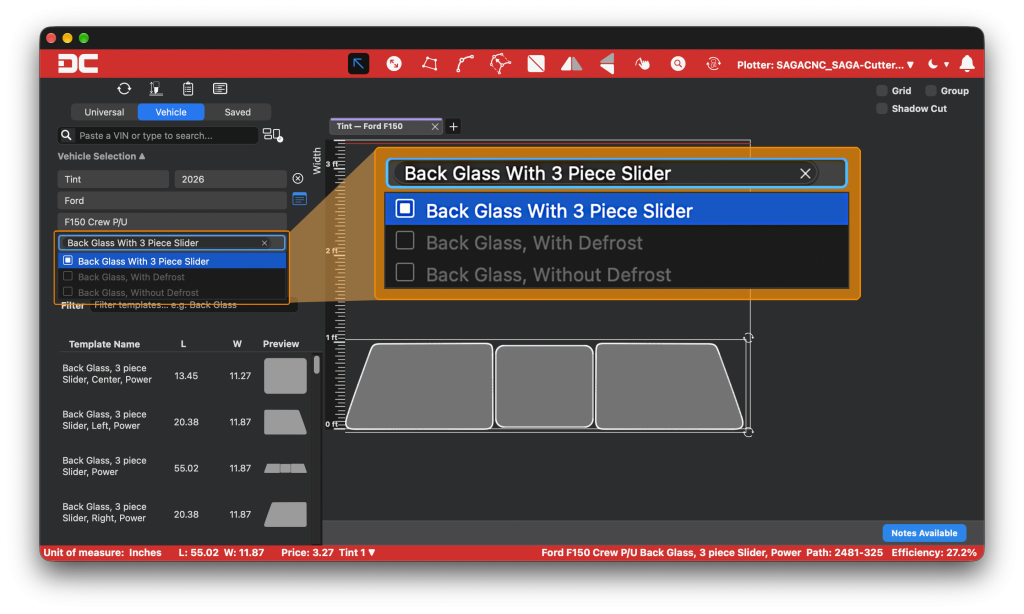
DigiCut 3.2 Is Here: Pick the Trim, Get the Right Kit
Pick the trim, get the right kit. DigiCut 3.2 adds Trim and Option filtering to Vehicle Selection, plus multi-select templates, faster Smart Placement, and steadier connections.

Pick the trim, get the right kit. DigiCut 3.2 adds Trim and Option filtering to Vehicle Selection, plus multi-select templates, faster Smart Placement, and steadier connections.
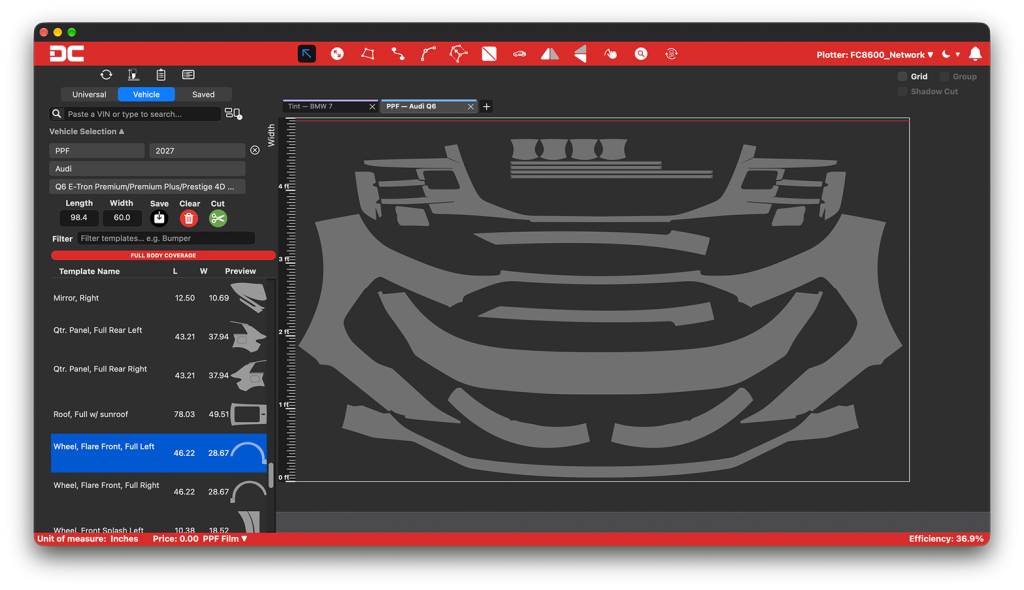
Every re-cut and loose layout costs you film. Here’s where material waste comes from, how to put a number on it, and how accurate patterns and nesting bring it down.
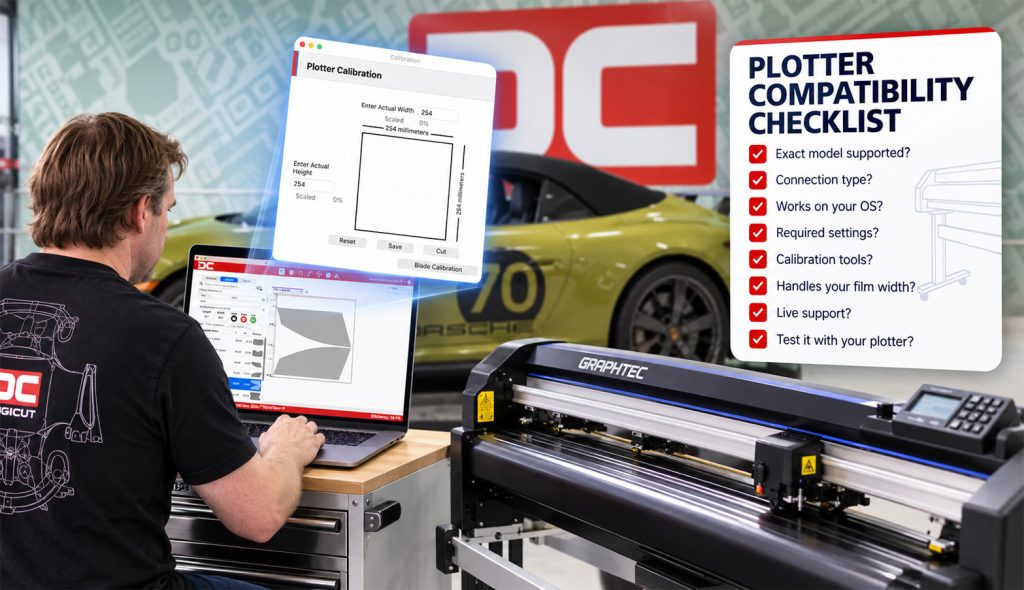
Before you commit to pattern software, make sure it works with your plotter. Here are the questions to ask any vendor, whether you already own a plotter or you’re about to buy one.
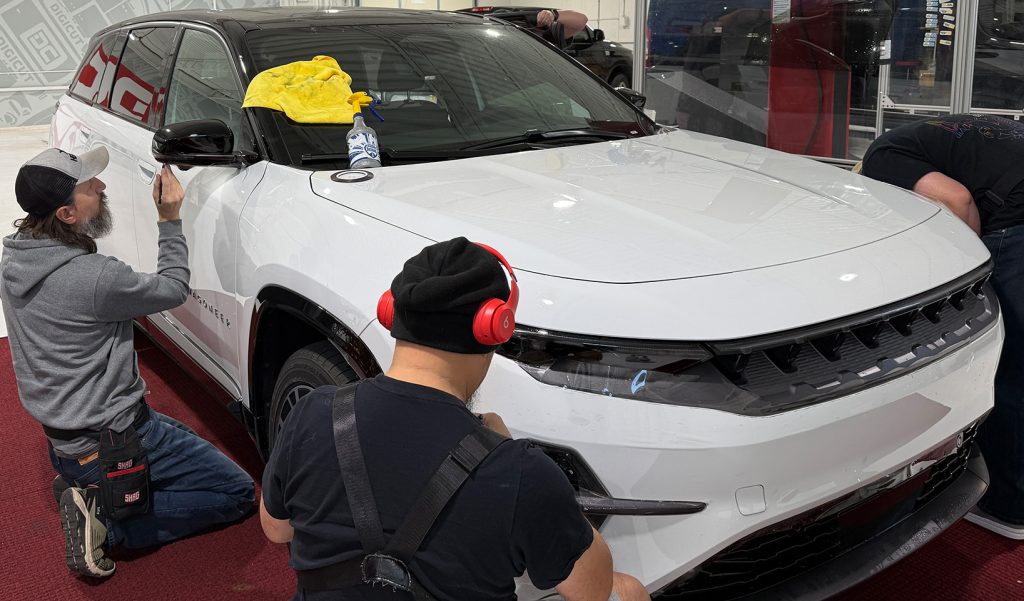
Every pattern in the DigiCut library starts the same way: a real vehicle, in person, built by hand. Here’s why that requirement, not oversight, is the real reason some vehicles haven’t made the library yet.
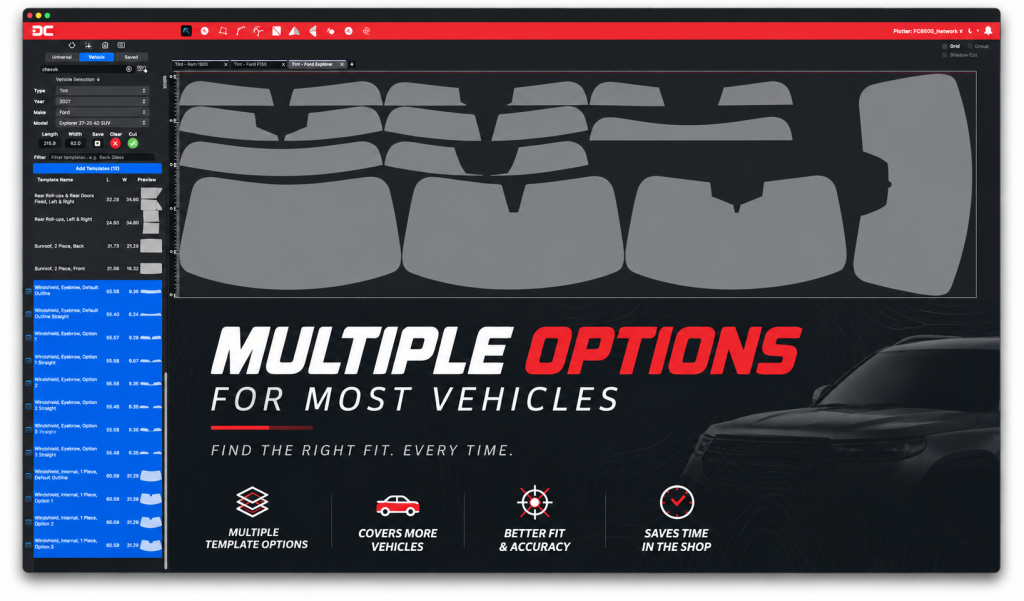
With more than 2,600 vehicles in the DigiCut library, it’s a fair question: why doesn’t every windshield have a pattern yet? The answer involves 23 part numbers on a single Jeep, shifting glass tech, and laws that vary by state.
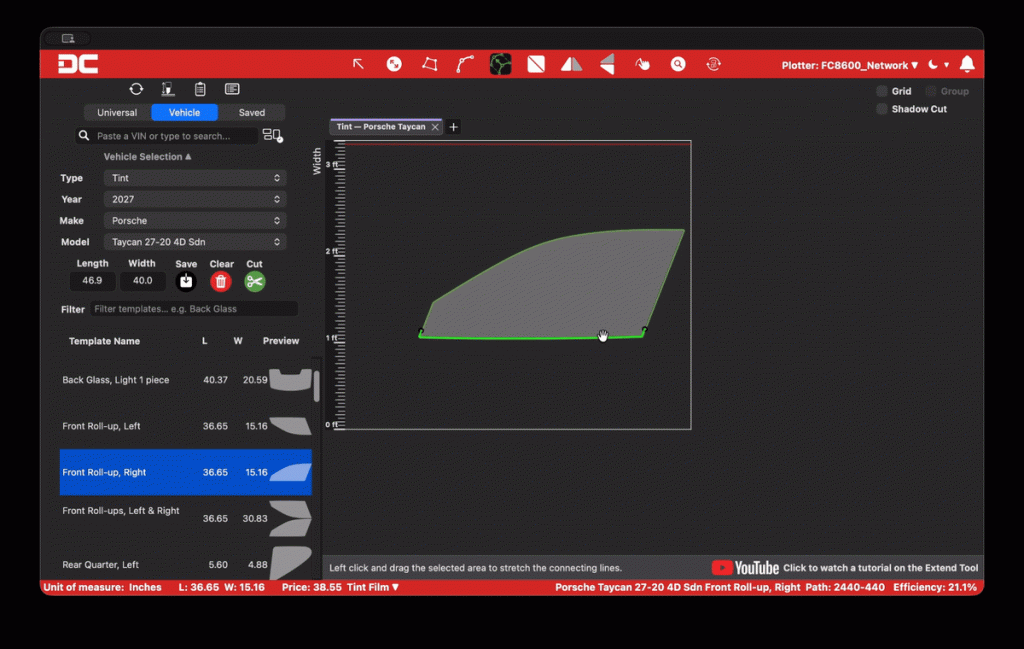
Some installers want more coverage, some want less. So why does every DigiCut pattern ship at one length? The answer isn’t a limitation, it’s a design choice, and the editing tools already in your hands solve it either way.
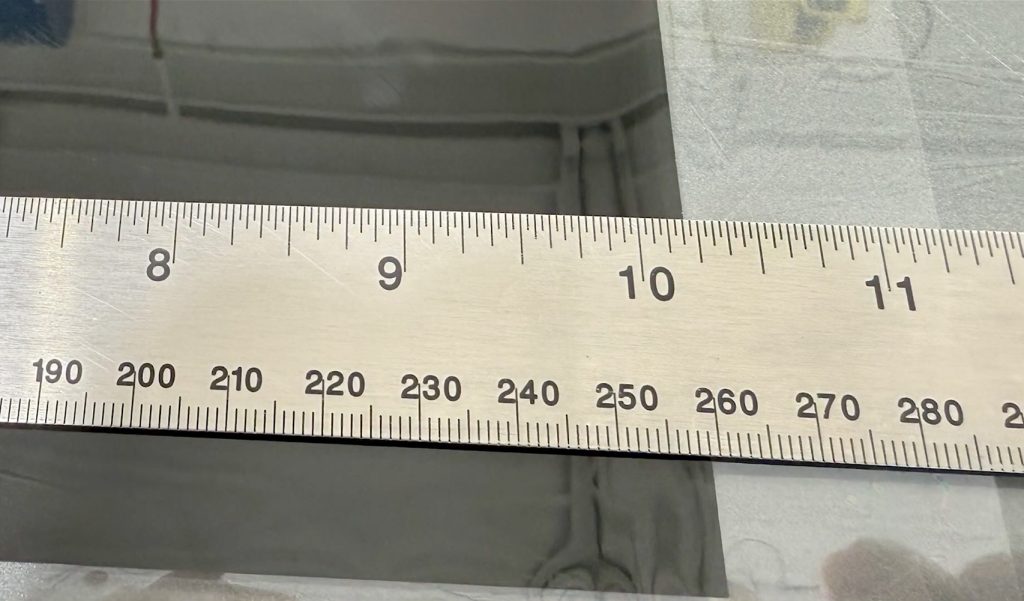
That template looked perfect on screen, then came up short on the panel. Before you second guess the file, check your plotter calibration. Here’s why sizing issues happen and how to fix them in minutes.
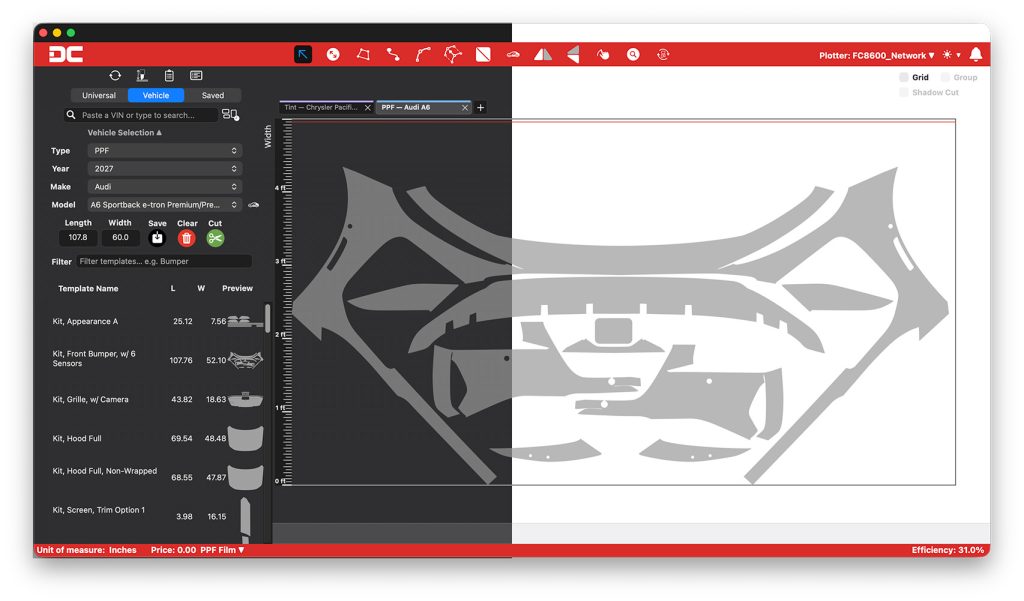
DigiCut 3.0 just landed, and it’s the biggest workspace upgrade we’ve shipped yet. Dark Mode, multi-vehicle tabs, a smarter nesting engine, and a completely refreshed editing toolkit are all in this release. Here’s everything that changed and why it matters in the bay.